
logo
Wavlink Repeater Setup Guide | Easy Step-by-Step Instructions

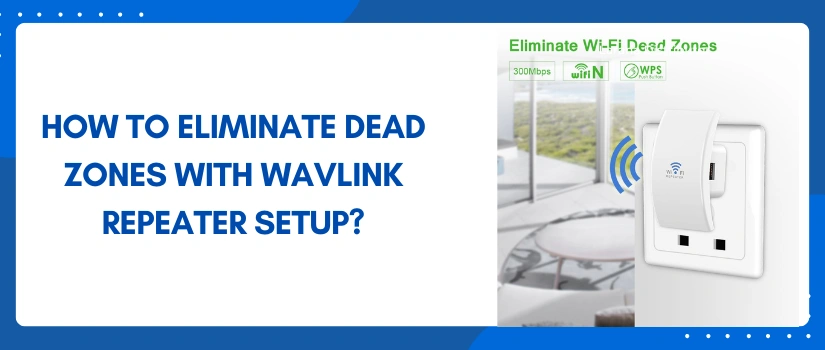
How To Eliminate Dead Zones With Wavlink Repeater Setup?

Did you finally select your Wavlink wifi repeater? If yes, then you must be looking forward to the Wavlink repeater setup guidance. This is exactly what this blog post lists. In this post you’ll find every little detail regarding the setup process. By the end of this post you’ll be experiencing high speed, seamless and wider wifi connectivity. There won’t be any dead zones, problems of lag or buffering and any other connectivity issues. So with no further deferment, let’s collect the setup components first. Because this ensures quick installation and a successful outcome as well. 

Setup Checklist 

For Wavlink repeater setup, here’s what you need:

  • Firstly the Wavlink repeater with its power adapter. 
  • Next you require a router and its exact network details. 
  • You must also have access to the well working power board. 
  • Thereafter you need a smart device. 
  • Access to a web browser is a must. For the setup you can use any browser from Chrome, Firefox, safari, edge to an internet explorer. 
  • Lastly, you must keep the user manual by your side. Because this contains all the default details that are essential for the successful Wavlink repeater setup

Setup Guide 

First of all make sure each of the components are in top-notch condition. Up next, if you have given a quick try to the setup process but the final result was something else than expected then you must reset the extender before a fresh setup. Now comes the step-by-step instructions:

✓ Initial Steps

  • Firstly bring the wifi repeater close to the router. Now power it on. 
  • Wait for the power indicator to turn stable. 
  • Once the indicator is stable, take a smart device. Open its settings. Enable wifi. Now on the product label you’ll find the wireless details. Use these details for creating a connection. 
  • If by any chance the wireless pairing fails then take an Ethernet wire. Slip one end into the smart device and the remaining end into the extender. This establishes a much stronger, dependable connectivity for the remaining Wavlink repeater setup process. 
  • Thereafter, on the same device open the internet browser. As you launch it, go to the URL bar. Into it type http://192.168.10.1. With that click Enter. In case the login window doesn’t pop out then use the other login address. It is http://waplogin.link
  • Next up fill in the login password. It is “admin” by default. Following it, choose the language and thereafter push the login key. This brings you to the main installation page. 

✓ Final Steps

Now to complete the Wavlink repeater setup process fill in the information. First pick the mode in which you wish to use the Wavlink device. Thereafter select your current network’s identity. Moving forward type its password and finally assign the name to your new Wavlink network. Once it is done, tap on Connect. Now the router and the Wavlink repeater will sync together. As the synchronisation completes, you can now reposition the extender strategically for complete and wider coverage. 

Feel free to connect with the customer support team in case of queries. 

Disclaimer:- wifiwavlink.net website is for customers who are seeking technical help and technological assistance/support service for WiFi extenders, routers, and WiFi networks. However, we do not have any endorsement, alliance, or affiliation with any brands neither direct nor indirect. All the images, brand names, product models, and logos are only for illustrative purposes. Guidelines provided on the website are solely for informational purposes. Neither a guarantee nor an implied warranty is provided regarding the content available on the website.