

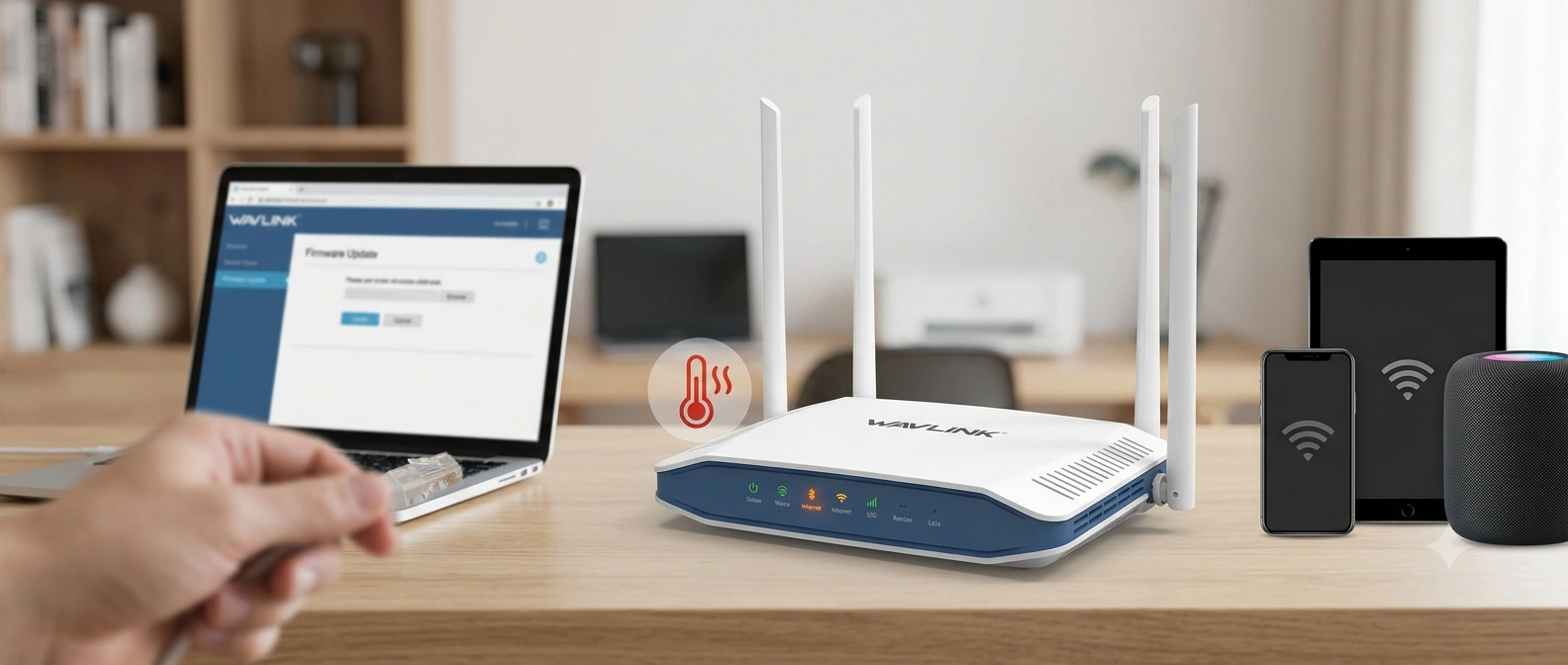
Wavlink Router Losing Connection Every Few Minutes — Causes & Solutions
Is your Wavlink router losing connection every few minutes? Frequent internet disconnections can disrupt video calls, online gaming, streaming, and regular web browsing. The problem is not with your internet service provider but with incorrect router settings, outdated firmware, weak signal strength, or hardware issues. The good news is that most connection problems can be resolved with some basic troubleshooting. This guide outlines the common reasons why your Wavlink router keeps disconnecting and offers practical solutions to bring back a steady internet connection.
Common Reasons
There are several reasons why your Wavlink router may be disconnecting repeatedly. Recognizing the exact cause can make the process of fixing the problem much easier.
Outdated Firmware
Firmware is the software that manages how your router functions.
When it’s outdated, your router may experience connection problems, slower performance, security risks, or compatibility issues with new devices.
Weak WiFi Signal
If your devices are far from the router or if there are walls, metal objects, or electronic devices blocking the signal, the WiFi strength may be weak.
A weak signal often leads to frequent disconnections.
Router Overheating
Routers produce heat while operating continuously. If the vents are blocked or the router is placed in a cramped space, overheating can cause unexpected restarts or momentary internet loss.
Network Congestion
Too many devices connected to your network can strain the router, especially when multiple users are streaming high-definition videos, downloading large files, or playing online games at the same time.
ISP Service Issues
At times, the problem might not be your router. Temporary service outages or unstable internet service from your Internet Service Provider (ISP) can make it seem like your Wavlink router is disconnecting.
Incorrect Router Settings
Misconfigured wireless channels, security settings, DHCP conflicts, or DNS problems can all lead to unstable WiFi connections.
Hardware Problems
Damaged Ethernet cables, loose power adapters, or failing internal components of the router may also result in repeated internet interruptions.
Solutions to Resolve Connection Issue
Here are the solutions you need to apply to fix the Wavlink Router Losing Connection Every Few Minutes issue.
Restart the Router
Restarting your Wavlink router can fix the problem. Temporary software issues or memory problems can often lead to frequent disconnections. To do this, turn off the router, unplug the power adapter, wait for about one minute, and then plug it back in. Once the router has fully restarted, reconnect your devices and check if the internet connection remains stable.
Update the Router Firmware
An outdated firmware version is a common cause of connection problems.
Go to your Wavlink router’s web management page and navigate to the Firmware Update section. Check if there is a newer version available and install it if needed. Firmware updates typically resolve software bugs, improve security, and enhance overall network performance.
Improve Router Placement
Poor placement of the router can result in weak WiFi signals and frequent connection drops. Place the router in a central, open area where the signal can spread evenly throughout your home. Avoid placing it near thick walls, metal objects, microwave ovens, cordless phones, or other electronic devices that might interfere with the wireless signal. Keeping the router elevated on a shelf or table can also help improve coverage.
Inspect the Cables
Make sure the Ethernet cable is securely connected at both ends and check for any signs of wear or damage. Also, ensure the power adapter is properly plugged in and functioning correctly. Replacing faulty cables can often fix intermittent connectivity issues.
Reset the Router
Press and hold the Reset button on the router for about 10 to 15 seconds until the device restarts. This will restore the router to its default settings and can eliminate any configuration errors that might be causing the issue. After the reset, you will need to set up the router again, including creating a new WiFi name and password.
Connect Us
Wavlink Router Losing Connection Every Few Minutes issue can easily be resolved by you if you follow the above given troubleshooting tips. If you are facing any difficulty in understanding the troubleshooting or applying them then our team is here to assist you. Our experts are available on call and live chat. You need to contact the below mentioned number or drop text in live chat. Hurry!