

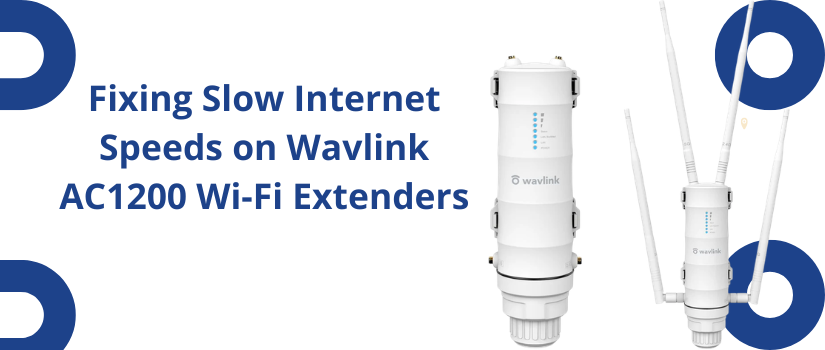
Fixing Slow Internet Speeds on Wavlink AC1200 Wi-Fi Extenders
A wavlink AC1200 Wi-Fi extender is designed to improve the coverage of your current networking device. This device will eliminate the wifi dead zone issue from your home or office. Sometimes you might experience Slow Internet Speeds on Wavlink AC1200 Wi-Fi Extenders besides the setup is done accurately. This issue can be frustrating, especially when you rely on stable connectivity for work, streaming, or gaming. Fortunately you can fix the problem very easily by applying simple troubleshootings. Further in this article you will get complete information on troubleshooting, you can follow to fix slow speeds and improve performance.
Check Extender Placement
One of the most common reasons behind slow network speed is poor placement of the range Extender device. You need to find the best location to put the rain extender so it can easily receive signals from the router and transmit them to the area where you are not able to get signals from the router. The adequate location for the placement of range Extender will be half way between your router and the area with weak signals. If you place the device so far from the router then it will not be able to receive the signal properly and offers slow network speed. You should avoid placing the extender close to the thick walls, heavy metal objects or electronic devices like microwaves.
Ensure Strong Router Connection
The performance of your extender depends on the strength of the main network device connected with it. Make sure your post router device is properly working and delivering a stable connection to the extender. You can test the connection by connecting a device directly to the router.
Switch Between 2.4GHz and 5GHz Bands
The wavlink AC1200 extended device is a dual band device. You should specs between 2.4 GHz and 5GHz depending on how far you are from the device. If you are too far then you should use 2.4 GHz and otherwise use 5GHz.
Update Firmware
An outdated firmware can cause problems with the network speed. You should go to the admin panel of your range extender device and update its firmware. Installing the latest firmware will fix the pub and improve speed and stability.
Reduce Network Congestion
To menu connected devices will slow down your network. You should disconnect the devices that are not in use or limit the number of active connections. This will improve your network speed
Reset and Reconfigure the Extender
If the issue is not resolved yet then you have to reset the device back to factory setting. Press the reset button on the device to restore the settings and then configure it again.
Contact Us
The above available information on Fixing Slow Internet Speeds on Wavlink AC1200 Wi-Fi Extenders will help you resolve the network issue. You can enhance the speed of your extender network very easily by applying these tips. Our technical team is also available to assist you with the troubleshooting if the above given tips are not enough to resolve your problem. You just need to communicate on the number mentioned below and our representative will assist you with the fixes.

